Print proof · sample designs
See how a logo sits on kraft before you upload yours.
Every bag on this page is a sample design made up for a pretend restaurant. Look at how the colors land on brown and white paper, then picture your own name there.
Free toolNothing is uploaded
See your logo on the bag. Right now, free.
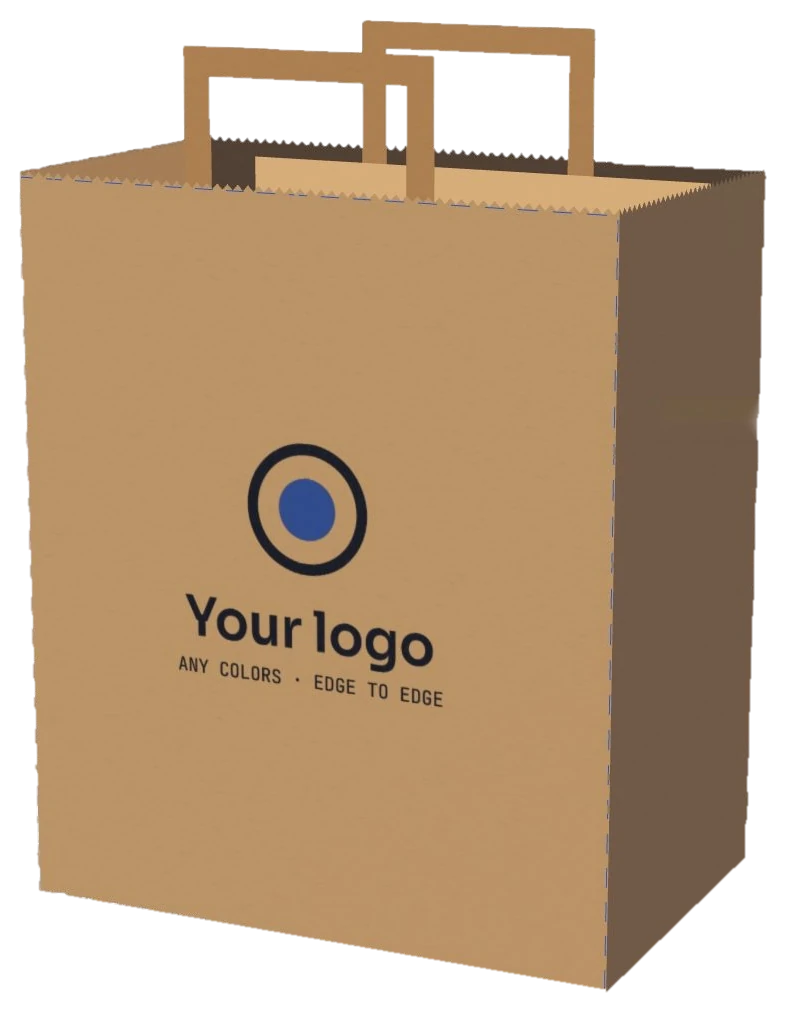
Pick your logo file and watch it land on our 12″ × 7″ × 14″ kraft bag, to scale, inside the 12 × 14 in print area. Your file stays on your device.
- Tip: a PNG with a clear background prints cleanest.
Setup is $0 and the front print is free. Want to test first? Try 50 bags for $28.
Free report cardSan Diego logo check
Before you upload it, let's grade how your logo prints on kraft.
Every sample on this page was drawn to stand out on brown paper. Your logo might be a soft beach color that disappears on it. Pick your file and see four grades: brown kraft, bright white, line weight and size on the bag. Each weak spot comes with a simple fix.
Your logo lands here
- On brown kraftContrast against the paper?
- On bright whiteContrast against the paper?
- Line weightThin lines at this size?
- Size on the bagPrinted width and height?
How we grade: contrast is the WCAG ratio between each main color and the paper, weighted by how much of the logo it covers (3:1 is the WCAG minimum for big text). Line weight looks for lines under about 2 mm at the size you pick, since kraft fibers soak up ink. The print area is 12 × 14 in on the front, and bags come in brown kraft and bright white. A guide, not a print proof. Your file never leaves your device.
Next free giftLight your name four ways, from noon sun to Gaslamp neon, on the Gaslamp page→[01]Sample designs
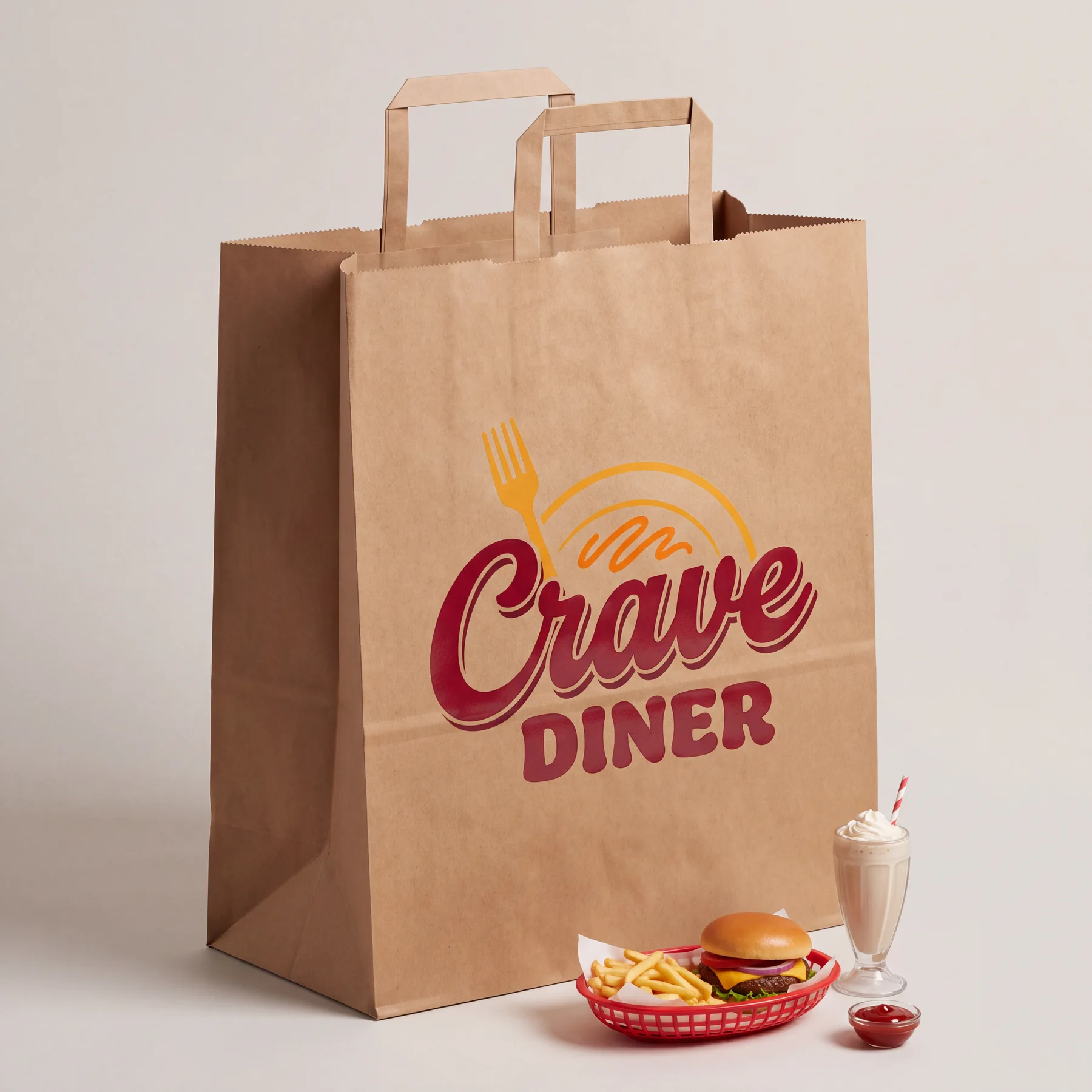
Four made up restaurants. Four very different logos.
A thin script, a heavy block font, a detailed mascot and a two color line drawing. Each one prints differently on kraft, and each one still reads from across the room.
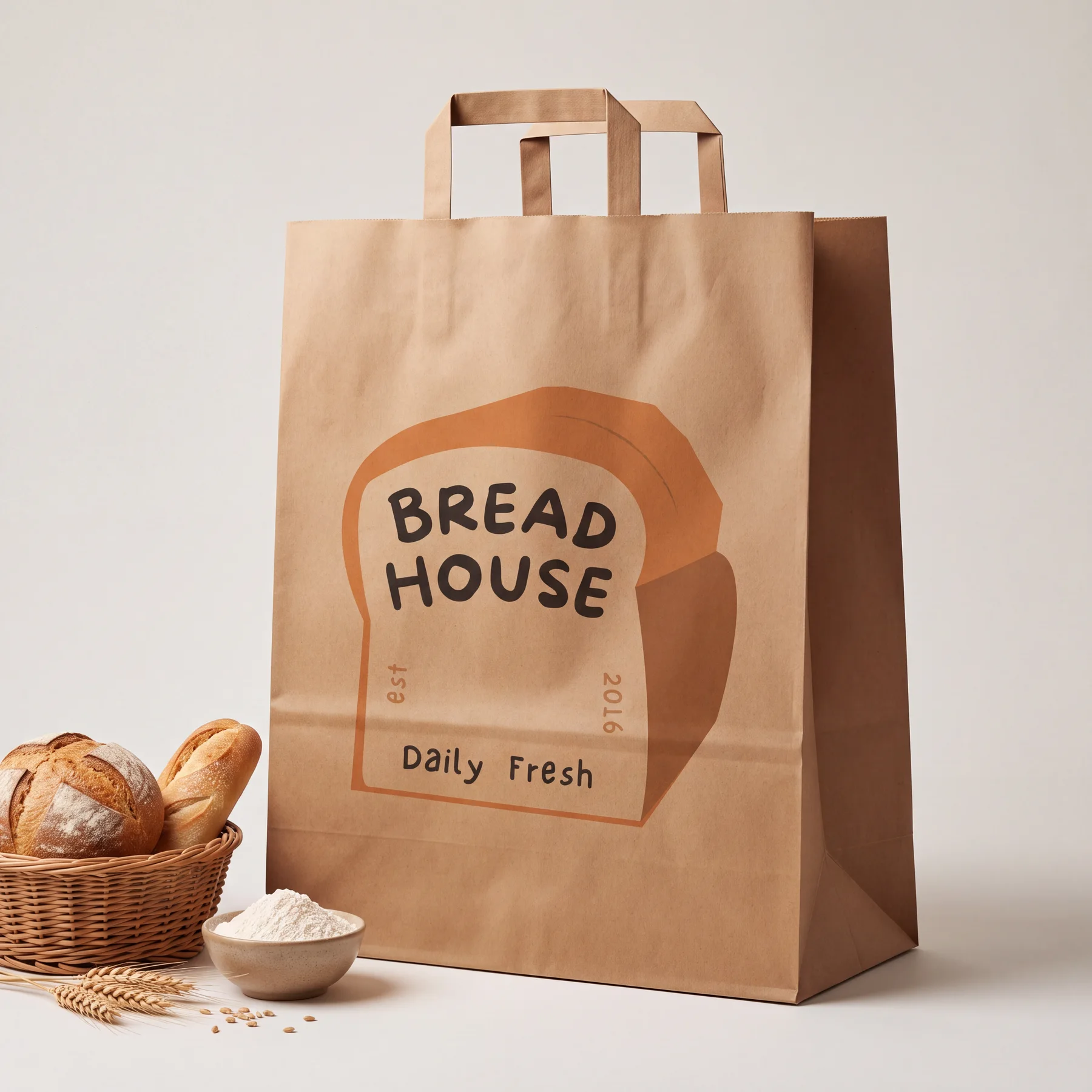
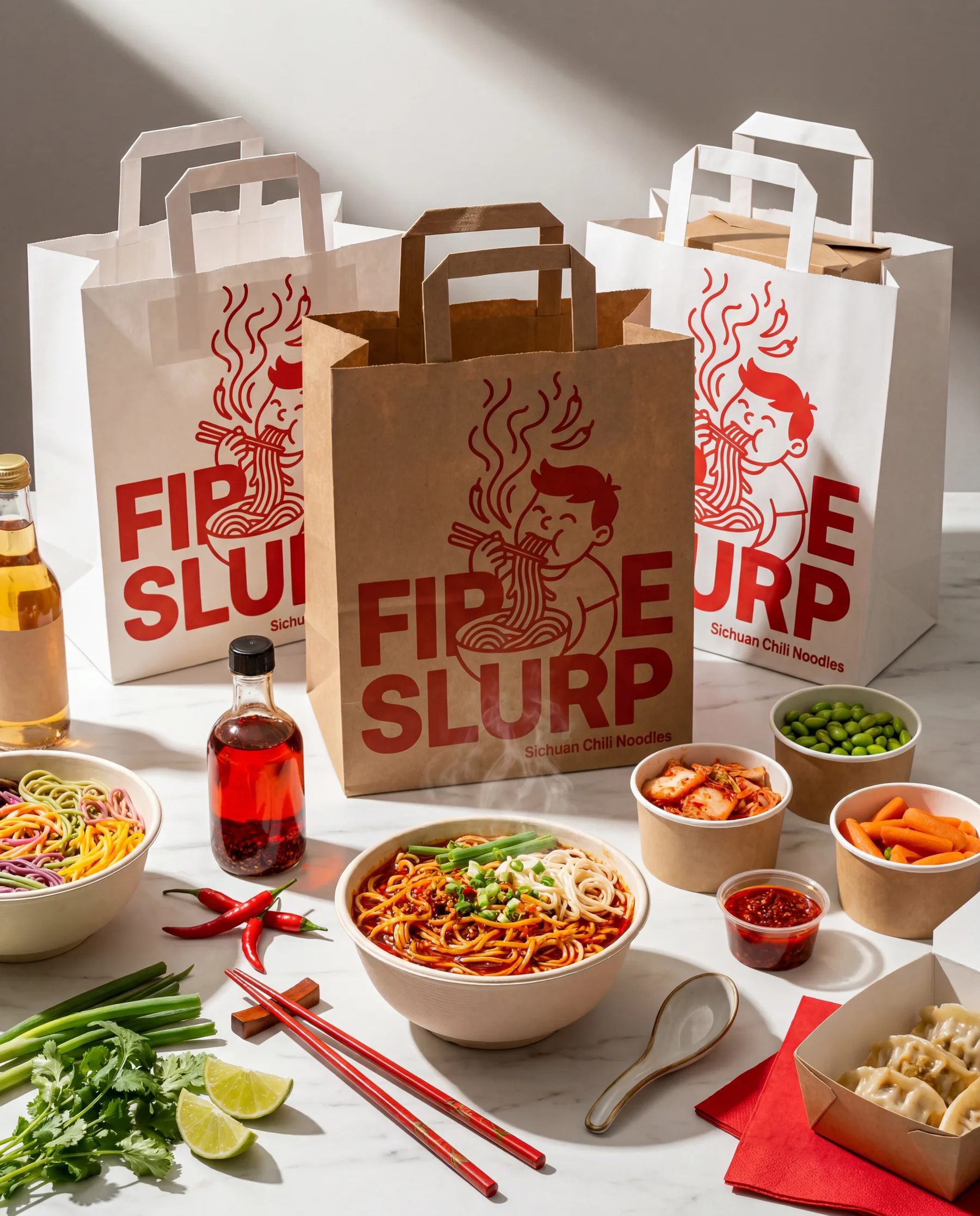
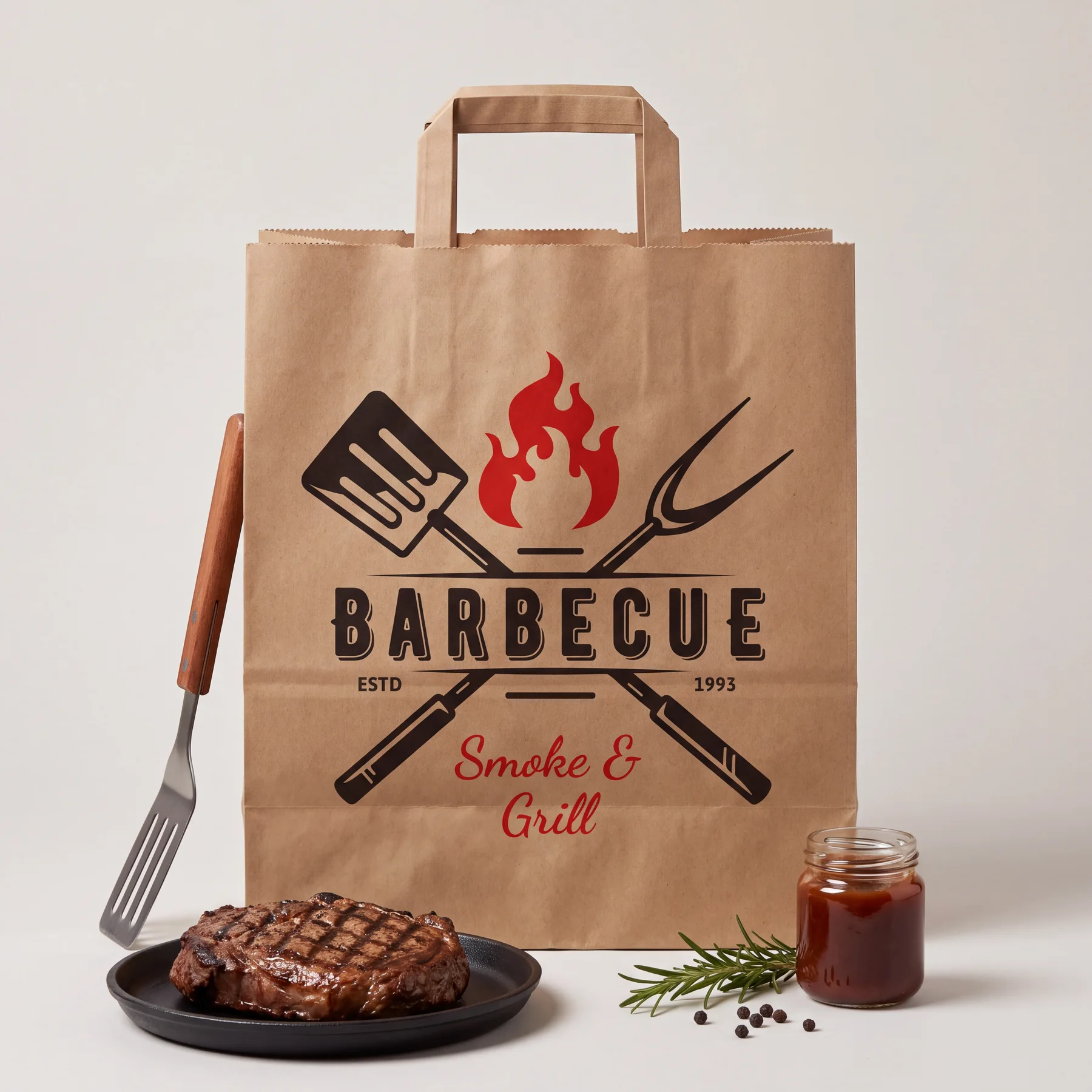
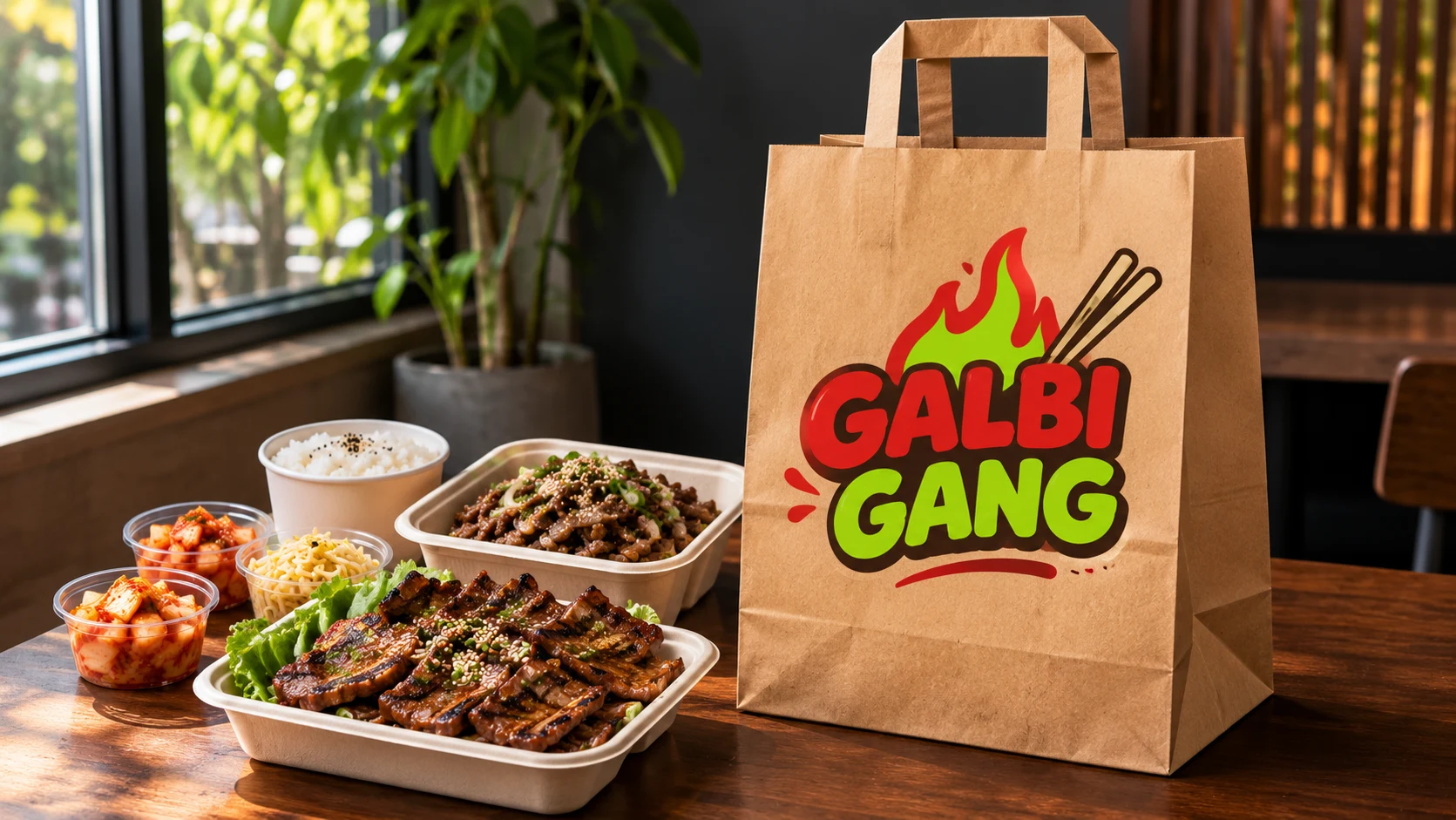
All logos shown are sample designs, not customers. Yours goes on in the upload step, where you see it on the bag before you pay.
[02]Where the ink goes
The full front is yours. Here are the exact numbers.
The front panel is printed free. The side gussets stay plain so the bag folds flat and opens clean.
- Printable front
- Up to 12 × 14 in
- Edges
- Full bleed, right to the edge
- Free print
- the front
- The back
- Optional, paid add-on
- Ink colors
- As many as your logo has
- Bag colors
- brown kraft and bright white
- Bag size
- 12″ × 7″ × 14″
The 60 second logo check
Open your logo file and run through these five things. If it passes, it will print sharp on our bag.
- Zoom to 400%. If the edges turn blurry or blocky, find a bigger file or the original from your designer. A PNG at least 2000 pixels wide or a PDF or SVG works best.
- Look for a see through background. A white box behind your logo shows up as a white box on brown paper.
- Squint at it. Thin lines and tiny words vanish first. If you can't read the small text from a few steps back, a customer won't either.
- Count the colors. Any number is fine. Just know that every color sits on top of the paper color, so the paper changes how they look.
- Hold it next to a paper bag. Literally. Put your phone screen next to any brown bag in your kitchen and see if the logo still pops.
Ocean blues, sunset oranges and kraft paper
A lot of San Diego logos lean on the coast: navy, teal, sky blue, sunset orange. Here's how those sit on our two papers.
- On brown kraft, dark colors like navy, black and deep red look rich and crisp. Light blues and pastels get warmer and a bit softer, because the brown shows through.
- On bright white, every color looks close to your screen. Teal stays teal and pink stays pink. Pick white if your brand lives on bright colors.
- Black and white logos look great on both. On brown kraft they read as classic and handmade.
Dark ink loves brown paper. Bright ink loves white paper.
No email proofs to chase
With a print shop you send a file, wait a day for a proof, ask for a fix and wait again. Here the proof is the upload step. Your logo appears on the bag on your screen, you move it and size it, and you only pay once it looks right.
Stuck on a file? Send it to hello@supplyaccess.co and tell me what you serve. I'll tell you which paper I'd use and whether the file is sharp enough.
[03]Print questions
Small details that make a big difference.
What file should I upload?
A PNG with a see through background, a PDF or an SVG. Bigger is better: aim for at least 2000 pixels wide for a PNG.
Can you print a photo?
Logos print best. Photos with soft shading lose detail on kraft paper, so a clean logo or bold lettering is the safer pick.
Can I print on both sides?
The front is free. Printing the back too is a paid add-on you can pick on the product page.
Your turn
You've seen the samples. Now see your own name on it.
Upload your logo while you set up your box and you'll see it on the bag before you pay. Or start with the Kraft Discovery Box: 50 bags with your logo printed free.
Full box from$85